We use cookies on this site to enhance your user experience
By clicking the Accept button, you agree to us doing so. More info on our cookie policy
We use cookies on this site to enhance your user experience
By clicking the Accept button, you agree to us doing so. More info on our cookie policy
Published: Apr 3, 2026 by
I was looking online for ways of having some kind of route displayed on my Apple Watch as I was walking. The built in workouts app allows you to track a lot of information, such as distance, elevation, heart rate, etc. but it doesn’t show you a map of where you have been, are, or are heading to. I noticed that the OS Maps app has an Apple Watch app, so I thought I would give that a go and see what it does.
I decided to try out one of the GPX files that I had already made for the Brackley Routes website and see how that worked with the OS Maps app. I downloaded the Brackley Town Loop running route GPX file using my iPhone, saved it to files, then pressed ‘Open With’ and selected the OS Maps option.
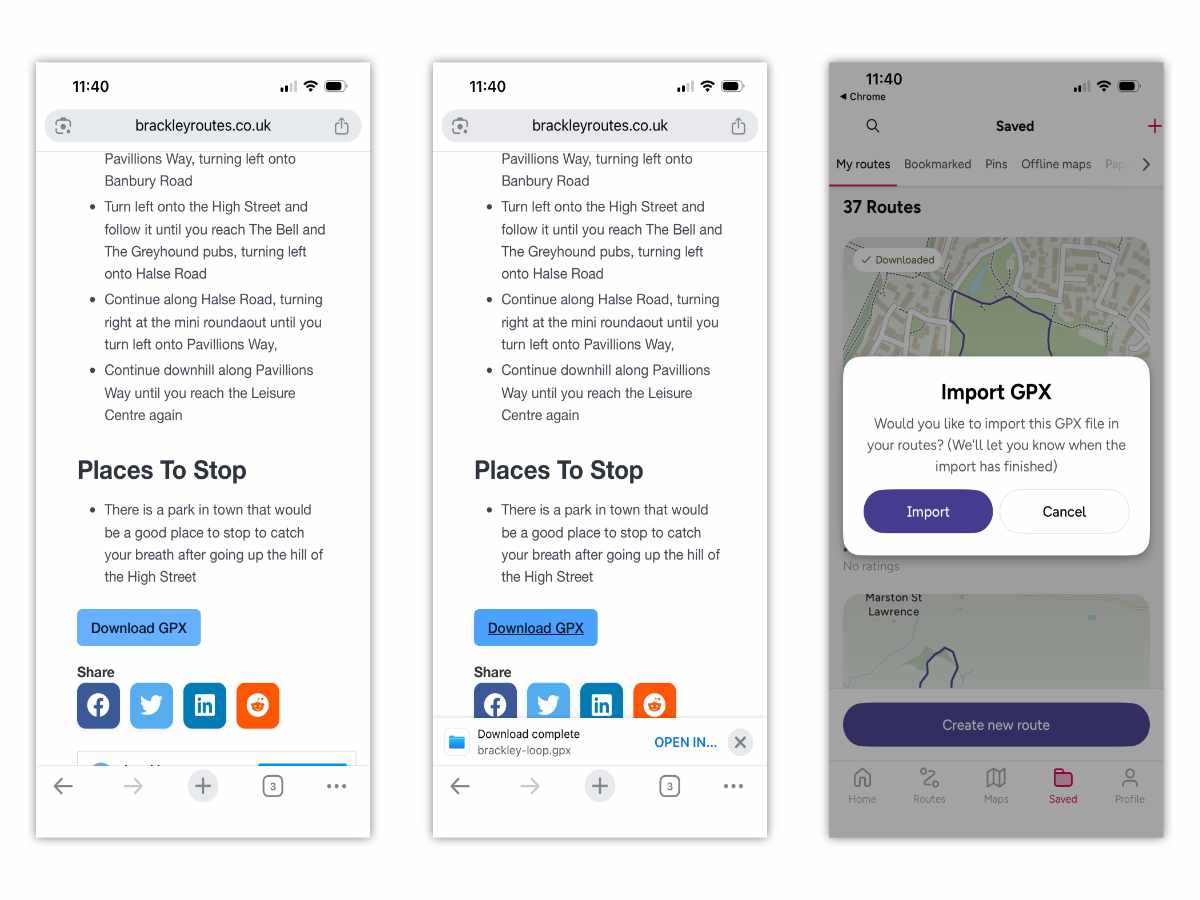
The OS Maps app asked me if I wanted to import the route. I pressed yes and it gave me some options to change the title and description and if I wanted to make it available offline. Then it was available in the list of saved routes in the app.
Next I opened the OS Maps app in my Apple Watch. I saw a map of my location and an arrow indicating my current position. You can use the Apple Watch crown wheel to zoom the map in and out, but it doesn’t seem to offer the topographic maps that the app offers.
There was a person hiking symbol on the top left of the screen. I pressed that thinking I would be able to start the route I just downloaded to my iPhone. This was the first disappointment with the watch app. There is no option to start the route I just downloaded from the watch, just to record a new activity.
Nevermind, I thought to myself, I would use the OS Maps app to start the route instead. I selected the Brackley Town Loop from the list of routes and pressed ‘Start route’.
This displayed the route clearly on the map, along with my current position. It also showed the time and distance remaining. I thought this was a little strange as most activity tracking apps work the other way, showing you have far you have gone, but its still useful information.
I then got a notification on my Apple Watch from the OS Maps app. I clicked into it and it opened up the watch app and displayed the same time and distance remaining information.
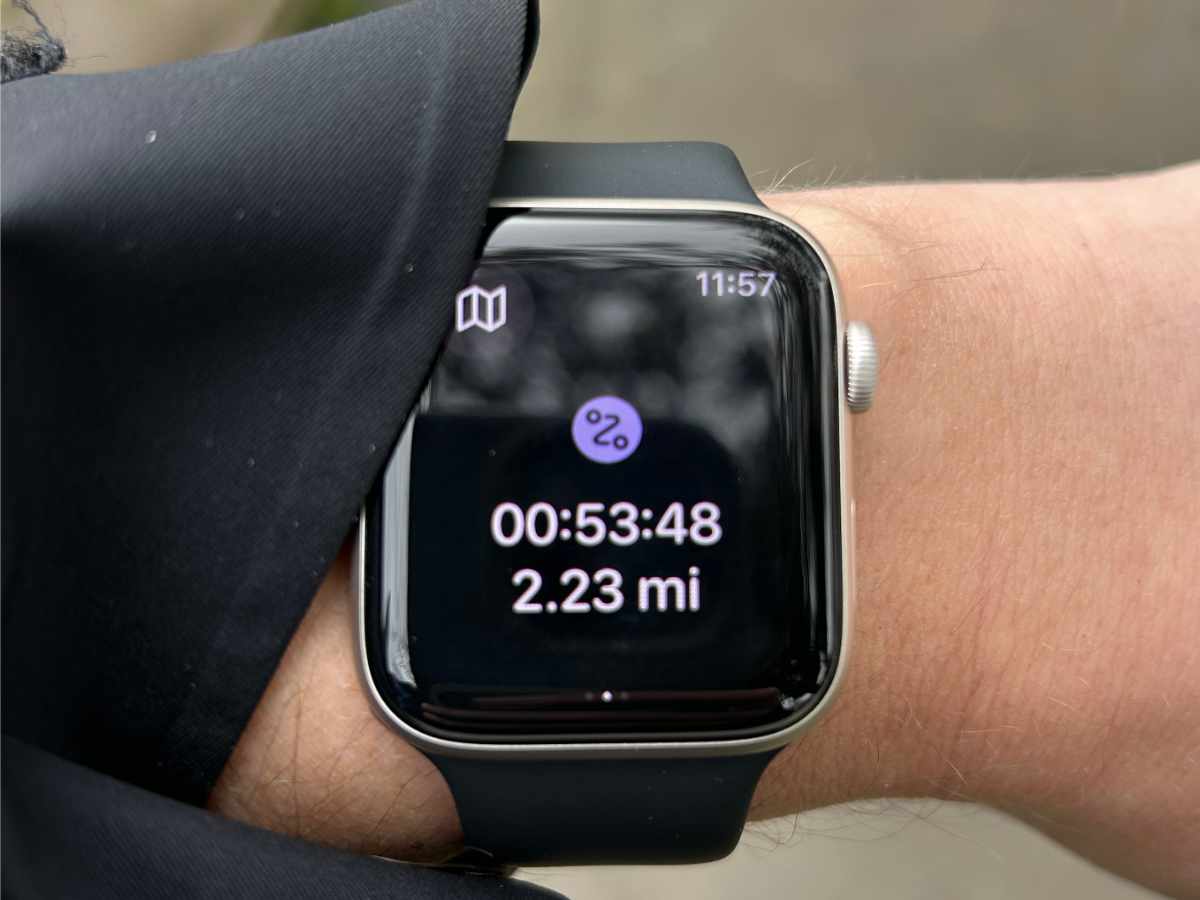
In the top left corner, there was a map button, which I assumed would show me my location and the route, but every time I clicked the button it flashed the map for a second then swapped back to showing the numbers. I guess I would have to use the phone app to see the map then and not use the watch app.
After a few minutes I checked my watch and the OS Maps app had stopped displaying. It had reverted to the clock face. Opening the OS Maps watch app again showed the numbers once more, (but still wouldn’t show the map).
About half way around the route, I decided to cut the corner and take a shortcut, deviating from the route I had started. I got a useful notification on my Apple Watch stating that I was off course, along with a ‘Show me’ option. Great.
But the enthusiasm was short lived. Pressing the ‘Show me’ button took me back to the OS Maps watch app showing the distance remaining numbers and nothing else. Very strange.
I walked the rest of the route, occasionally checking the iPhone app against the route to remind me which way I was going. When I reached the end of the route I pressed ‘Pause’ then ‘Finish’.
I checked the Activities section of the user profile on the iPhone OS Maps app and nothing was there. This was where I realised that the OS Maps app does not actually record you doing the route. No data, stats or GPX file to share with other apps like Apple Health or Strava.
I was a bit confused to say the least.
It looks like you can record an activity, but not at the same time as walking a route.
I decided to try recording a walk using the OS Maps app on the watch and see what that did. This showed a map with an arrow indicating my current position, but didn’t show where I had been.
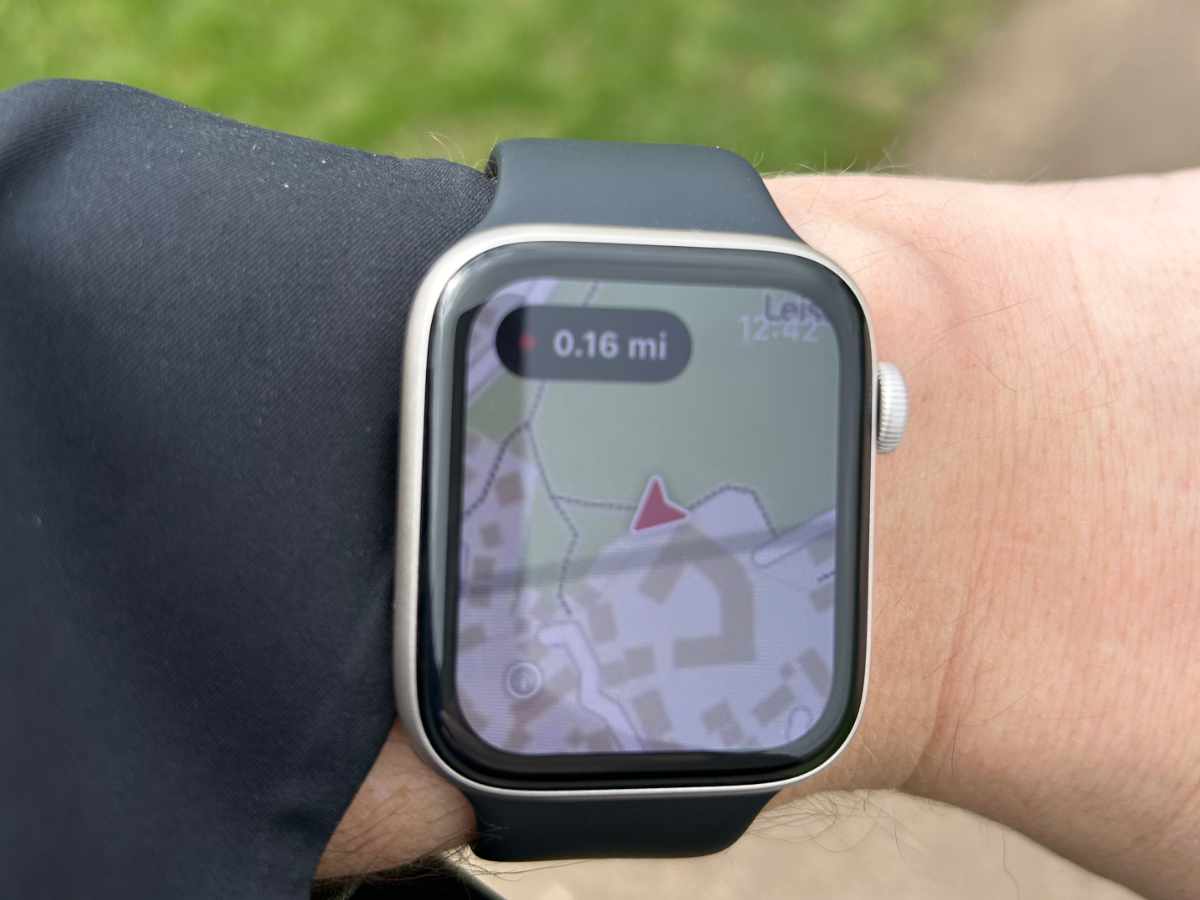
The button on the top left showed the distance I had walked and I could click into it to see more details. When I finished the walk it saved it and this time it did appear in the Activities section of the iPhone app.
In conclusion, the OS Maps app is great for showing you maps and your current location, but I wouldn’t use it again to record an activity. The standard Apple Workouts app works much better for tracking the activity and allows you to share data easily with other apps.
I don’t know if the options on the OS Maps Apple Watch app are deliberately limited due to battery usage constraints, lack of screen resolution and size, but the watch app seems like more of an afterthought than anything really useful.
I look forward to hearing about improvements in the future, as it could be really useful to have a quick glance at your watch for the map to check your route, rather than getting your phone out of your pocket, or unfolding a map.
Share
Latest Posts

I was looking online for ways of having some kind of route displayed on my Apple Watch as I was walking. The built in workouts app allows you to track a lot of information, such as distance, elevation, heart rate, etc. but it doesn’t show you a map of where you have been, are, or are heading to. I noticed that the OS Maps app has an Apple Watch app, so I thought I would give that a go and see what it does.
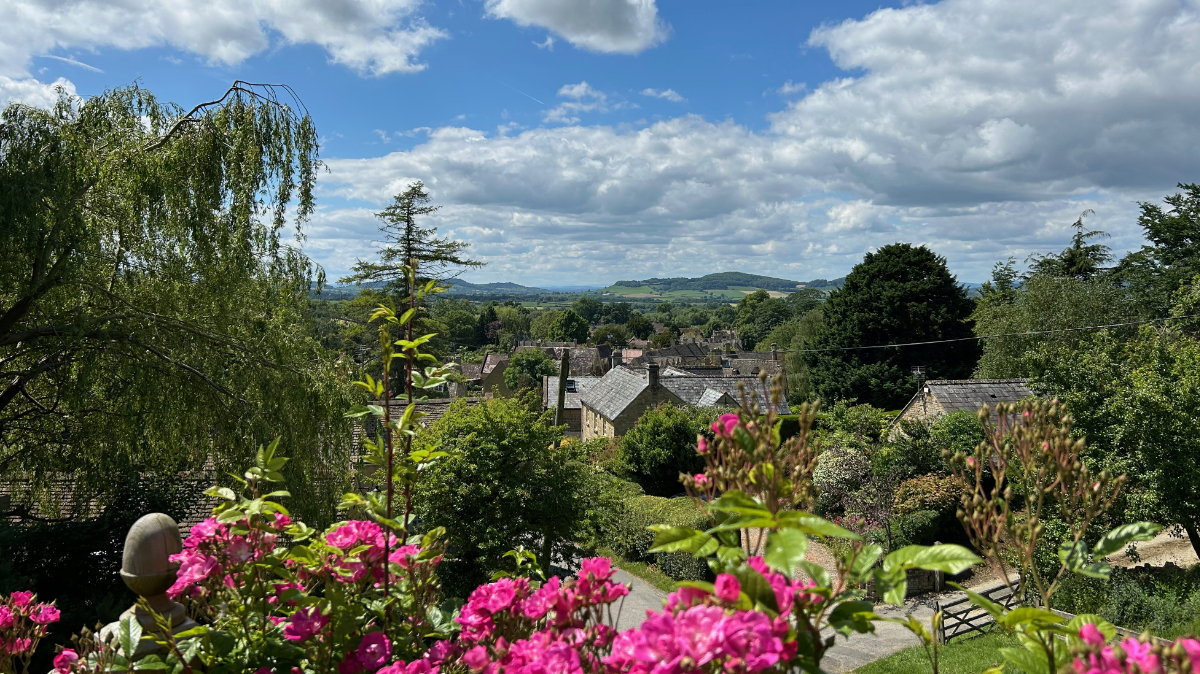
We were looking at the National trails website and saw the Cotswold Way wasn’t too far away from Brackley. We decided to walk a section but wanted a way of parking at the end of the section and some way of getting to the start. After looking at our map, we discovered the Gloucestershire Warwickshire Steam Railway (GWSR).

I have done a few long walks, but I would still call myself a novice when it comes to hiking. I’m still learning about different equipment and what works for me, but I want to share what I have learned so far about walking boots to try and help other beginners who are getting into walking and hiking.